Vibe vs AI Assistive Coding
The Problem
I’ve been coding with AI for about six months now, and I now realize there are two ways we can use AI to write code.
I have tried both approaches and feel that vibe coding is a good way to start a project, and then move to AI assistive coding as the project progresses.
It is like flying a plane with autopilot. The most important decisions, like takeoff and landing, are done by the pilot, while the autopilot handles the rest.
With AI assistive coding, we are in control of the plane, and AI is just the co-pilot.
Without AI assistive coding, we will endup in wasting lot of tokens and buring credits provided by LLM wrappers tools
What Actually Happened
Recently, my YouTube recommendations were full of videos like “Coding is dead”, “Build an app in 15 minutes”, or “Ship a profitable app from your phone using only voice.”
Out of curiosity, I decided to try one of these tools myself — VibeCodeApp.
At first, it felt impressive.
I was able to generate a basic screen quickly, and for a moment it felt like things were moving really fast.
But within 30 minutes, all my credits were gone — without adding any meaningful functionality.
What bothered me more was that I had no real control over the code. To even access or download it, I had to upgrade to a higher plan.
That’s when it really clicked for me.
These wrapper tools are fine for demos, experiments, or quick idea validation. But if I want to ship something to production, I need much more than that:
- I need to understand the codebase
- I need to make deliberate decisions about the tech stack
- I need to plan the architecture so future updates don’t break what already works
There’s also another risk I don’t see discussed enough.
I don’t know how the pricing of these wrapper tools will change in the future. If token costs go up and I’m already deeply locked into one of these platforms, moving away becomes painful.
At that point, I’m no longer really building software — I’m just paying more and more in token costs to keep things running.
The Real Cost of Vibe Coding
Pure vibe coding looks fast, but the real cost shows up later.
When I rely only on high-level prompts and skip understanding the code, I start accumulating what Addy Osmani calls "trust debt". The code may work in demos, but under real usage it breaks in subtle ways—performance issues, security bugs, or logic that nobody understands anymore.
Senior engineers then end up acting like code detectives, reverse-engineering AI decisions months after release.
I've seen how unreviewed AI code:
- Passes tests but fails under production load
- Burns through API tokens with inefficient queries
- Locks you into specific tools or patterns
- Collapses at scale in ways that are hard to debug
The technical debt gets so severe that entire services have sprung up around it. There are literally websites like vibecodefixers.com where you can hire developers to clean up the mess left by unchecked vibe coding.
That's the real cost: you save an hour today and pay with days of cleanup tomorrow.
Pure vibe coding is fine for demos and experiments. But anything meant for production needs AI to assist—not replace—real engineering decisions.
Why AI Assistive Coding Works
I use AI every day. Last month I upgraded my old gatsby project to NextJS 15 with Claude, by creating a preoper plan for migration and reviewing it.
My Workflow
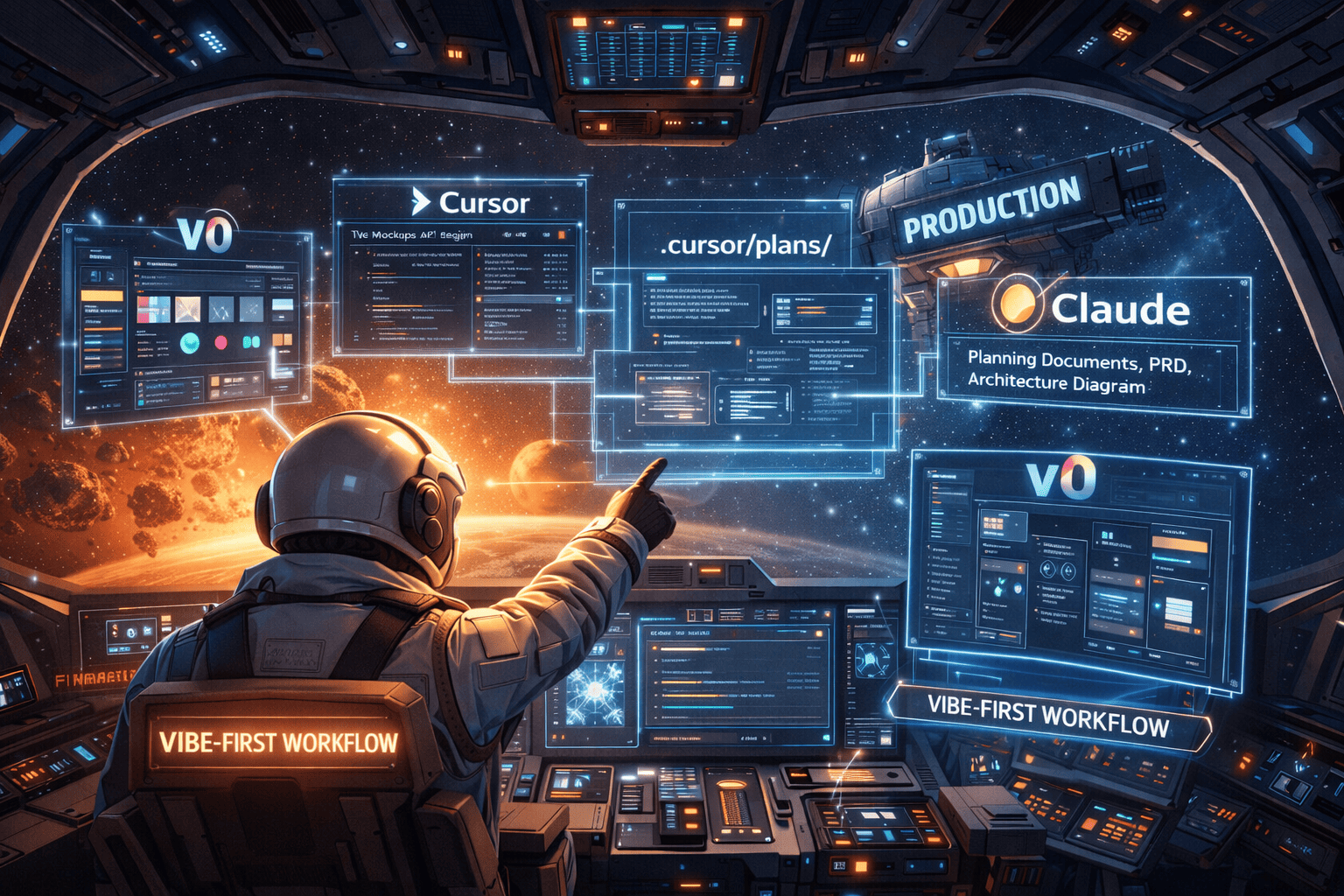
Here's how I actually build things now, step by step:
▶1. Start with the vibe (v0)
▶2. Plan before coding
▶3. Set up cursor rules
▶4. Tag the docs
▶5. Build with review (three passes)
▶6. When stuck, get a second opinion
▶7. Use the integrated browser
▶8. Duplicate and modify
▶9. Ask AI to explain
▶10. Build on proven foundations
▶Example: Building the Parent Gate
▶What makes this different
What I've Learned
After six months of using AI coding tools daily, here's what actually matters:
AI is genuinely powerful. Claude can refactor entire file structures in seconds. Cursor generates complex components that would've taken me an hour to write. The speed is real.
But it's not autopilot. I learned this the hard way. If I don't set up proper cursor-rules or a Claude.md file, the agents drift. They make assumptions. They hallucinate requirements that don't exist. I've had Cursor rewrite an entire authentication flow because I didn't explicitly tell it not to touch it.
AI needs guardrails just like a junior developer needs a spec.
The sweet spot is orchestration. My job has shifted. I spend less time typing boilerplate and more time directing: "Use this pattern, not that one." "Connect these pieces." "Follow the architecture in the PRD." It's like being a conductor instead of playing every instrument myself.
Agents are getting smarter, but someone still needs to ensure they're building the right thing the right way.
Writing code isn't the bottleneck anymore. The hard parts of software engineering haven't changed: understanding requirements, choosing the right architecture, handling edge cases, making systems scale. AI can write the code, but it can't tell you what to build or how to structure it for growth.
That still requires human judgment.
The skill that matters most now is asking the right questions. Just like working with a teammate, I need to explain why we're doing something, not just what. The better I am at breaking down problems and communicating intent, the better the AI output.
I stay in the loop. Always. I read every diff. I understand every change. I run the code. The moment I start blindly accepting AI suggestions is the moment things break in ways I won't be able to debug.
The tools are incredible. But they work best when you treat them as exactly that—tools, not replacements for thinking.
Tools I Use:
- Claude Code - AI coding assistant in the terminal
- Cursor - AI-first code editor with autonomy slider
Further Reading:
- Vibe coding is not the same as AI-Assisted engineering by Addy Osmani
- Not all AI-assisted programming is vibe coding by Simon Willison